 ServKit
Appliances & HVAC
- Appliance repair
- HVAC
- Commercial refrigeration
ServKit is the back office for appliance businesses — log bookings, schedule engineers, email customers and file completion reports without spreadsheets.
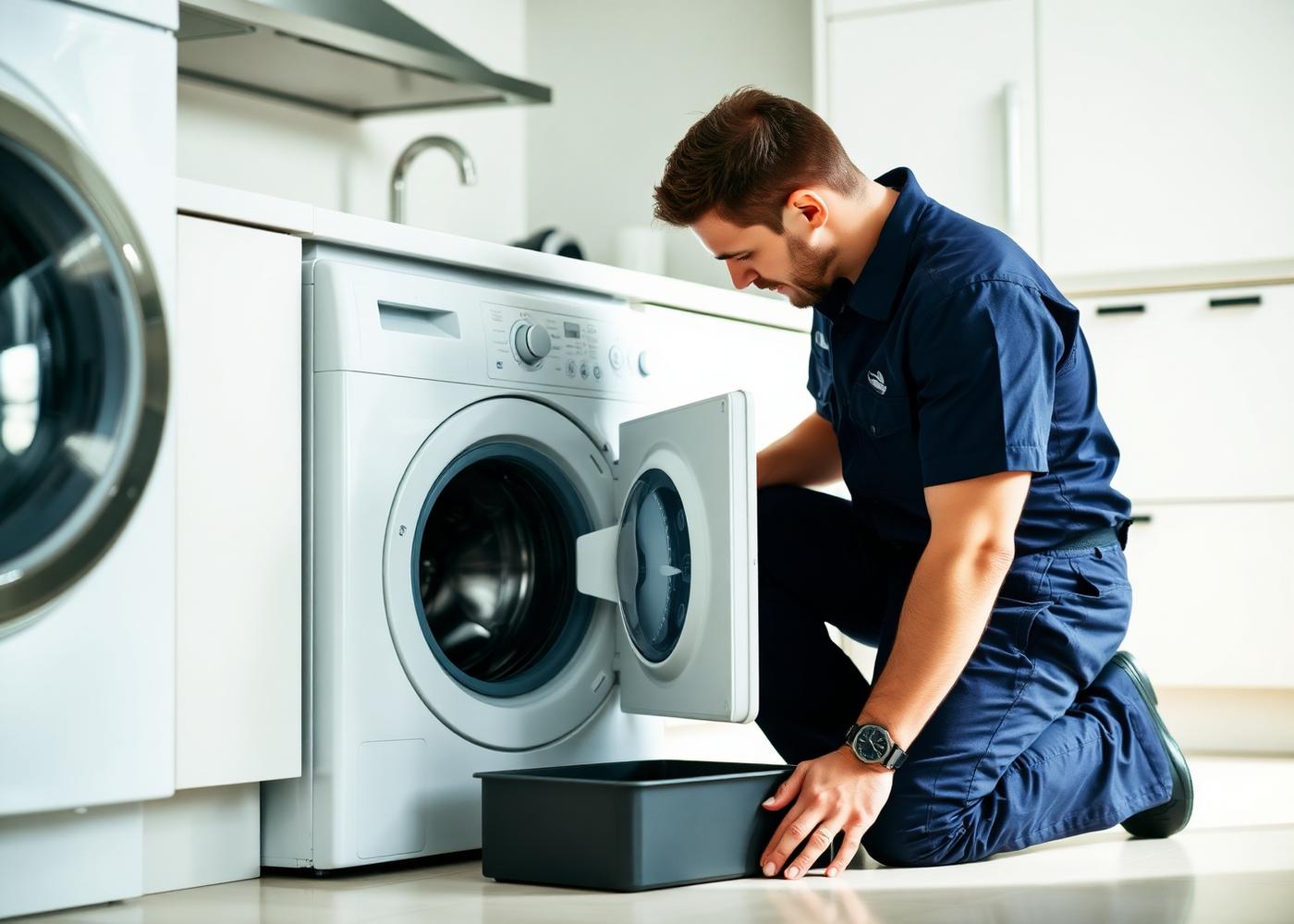
ServKit asks the right questions and files the right report for your trade. Choose from 34 professions in your company profile and your booking forms, job reports and customer emails all follow that choice.
Can't see your trade? Choose Other in your company profile and type it in — bookings, scheduling, reports and invoices still run the same way.
Everything your team needs between the first phone call and the signed-off job.
Log every phone, email or walk-in job with customer, address and appliance details in seconds.
Assign a date, time window and engineer to each job and see the whole week at a glance.
Send booking confirmations, appointment details and completion summaries in one click.
Record work performed, parts used, labour and warranty. Print or email a clean report.
Keep your technician list with specialities and assign the right person to each visit.
New, scheduled, in progress and completed jobs tracked with status at every step.
Sign up and set your company profile, service area, working hours and engineers.
Add a booking, assign an engineer and a time window, then keep the customer informed by email.
File work performed, parts and costs, then send or print a professional completion report.
Set up your company profile and start logging bookings today — no card needed.